Scan with your camera
Take a photo of a QR code, barcode, shipping label, receipt, letter, or another screen. Codes are read right on your phone.
Scam texts, fake bank emails, lookalike websites, swapped QR codes, and fake delivery notices all count on you acting before you check. Verifyly checks first. Scan, upload, or paste what you were sent, and it shows what is real, what is only claimed, what could be verified, and what you should do next.
Works now in any phone or computer browser. Add it to your home screen for one-tap access. App Store and Google Play versions are coming soon.
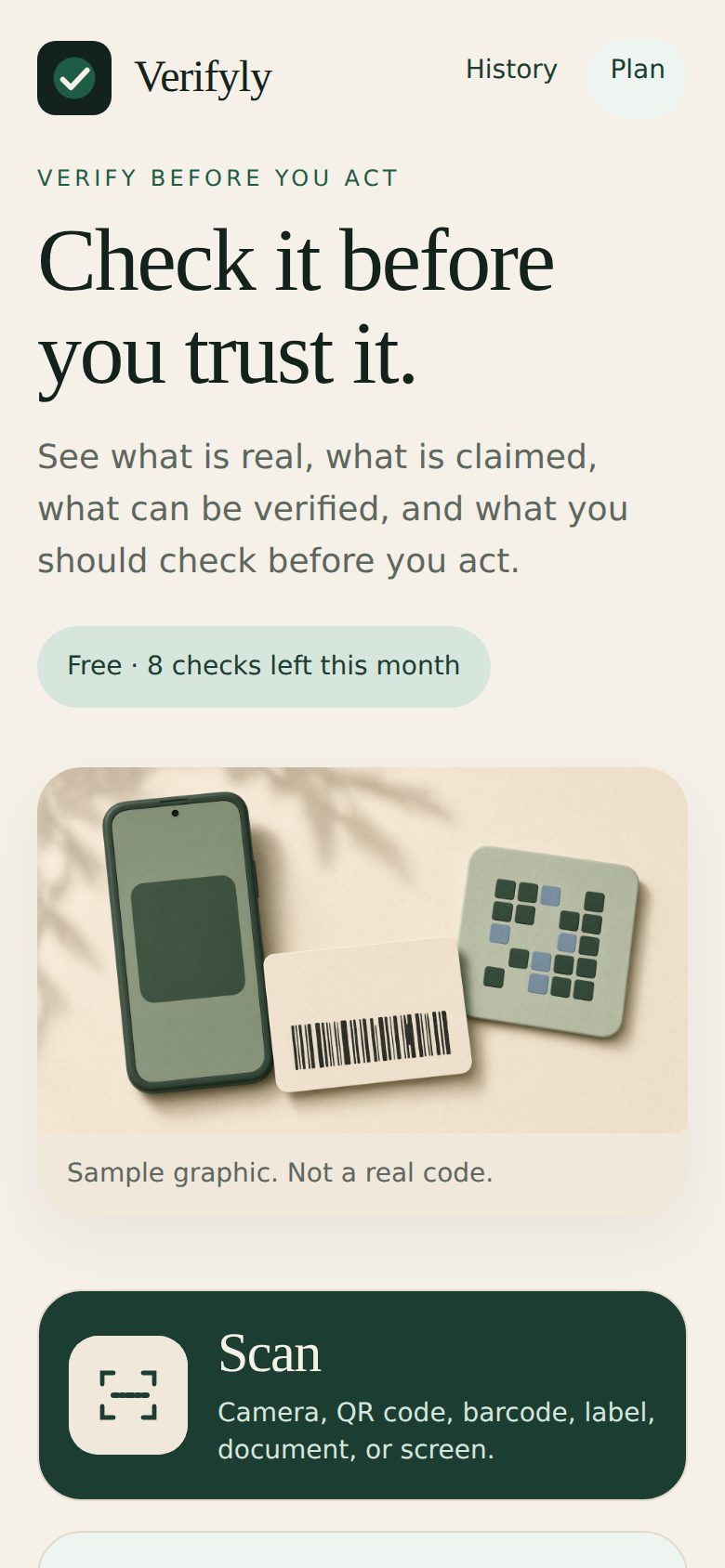
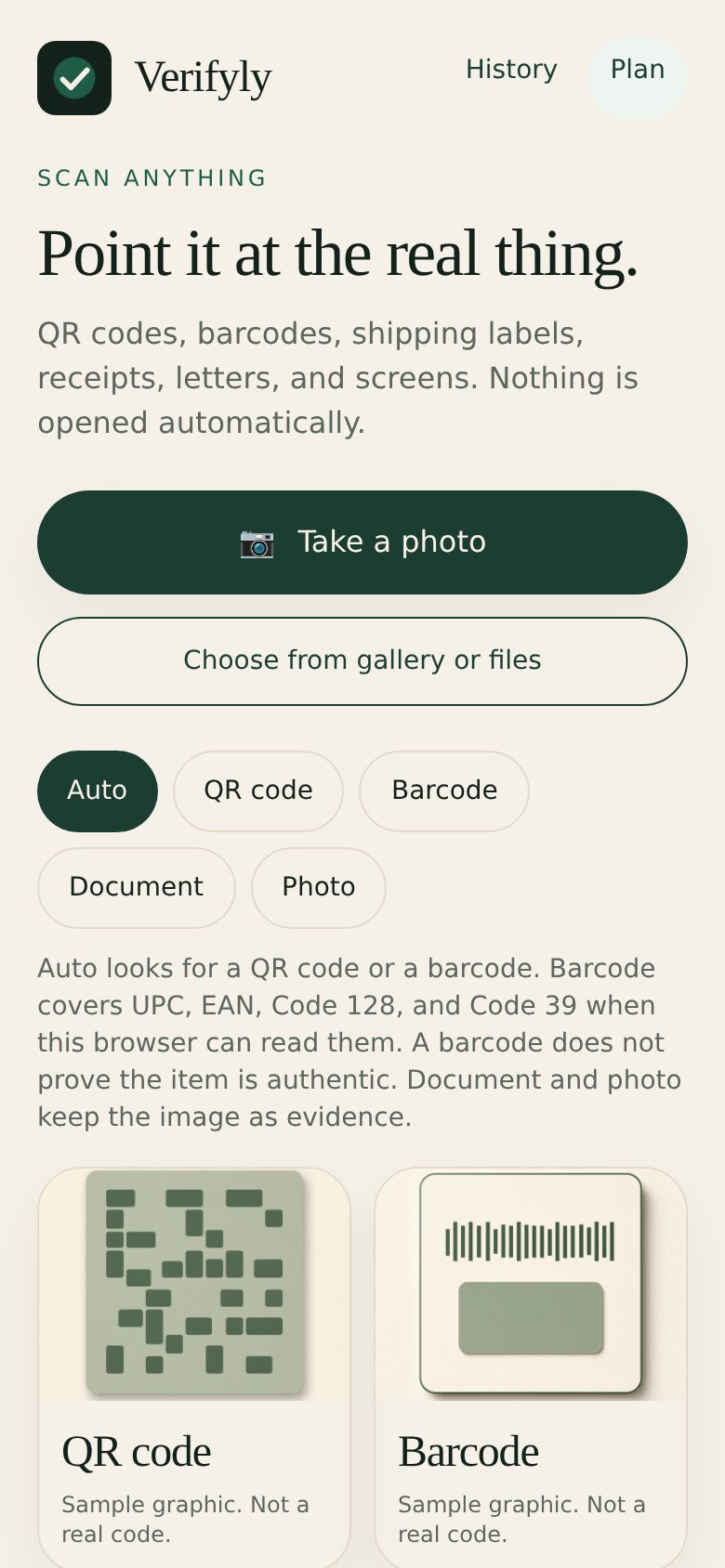
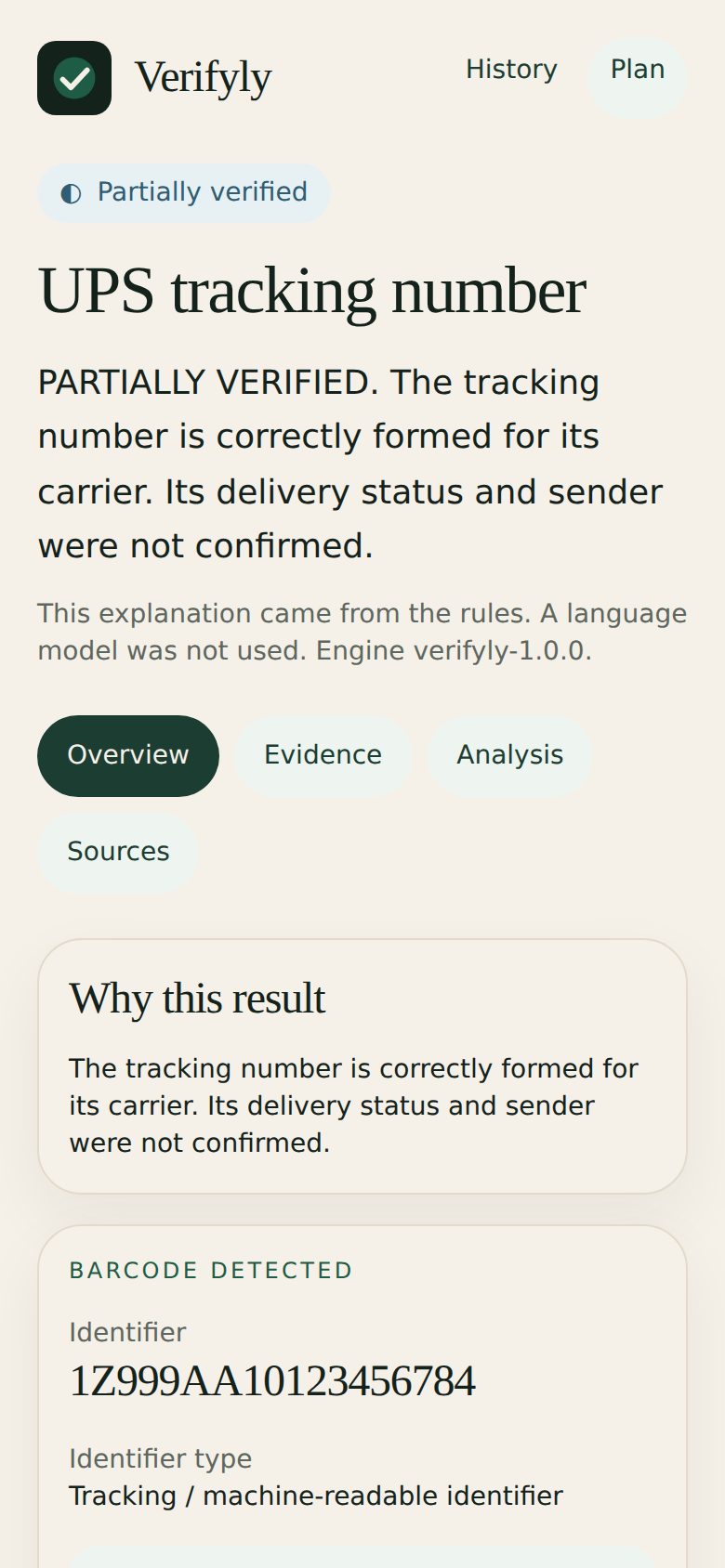
Take a photo of a QR code, barcode, shipping label, receipt, letter, or another screen. Codes are read right on your phone.
Screenshots, full-size camera photos, PDFs, and saved emails. Text in photos is read on Verifyly's server.
Paste a web address. Verifyly follows every redirect safely from its own server and never opens the page on your phone.
Texts, emails, recruiter notes, invoices, account warnings, payment requests, and marketplace messages.
Paste an email's full headers and Verifyly confirms whether the receiving mail server authenticated the sender's domain.
Paste what they sent and what they want you to do. The request itself is treated as evidence, never as instructions.
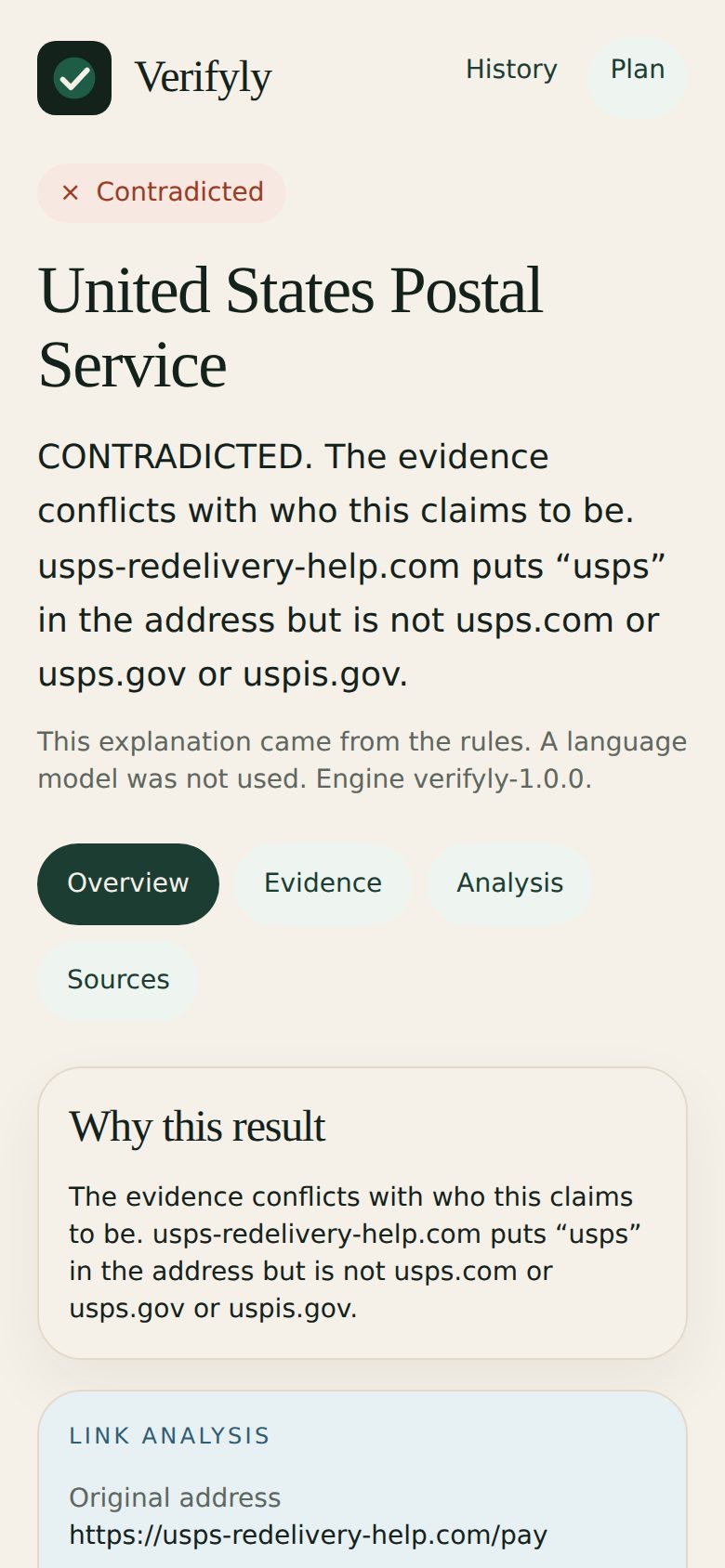
Every redirect, the final destination, the security certificate, the page title, password and card forms, forms that send data to another site, and file downloads.
Registration date and age from the official domain registries (RDAP), DNS and email settings, and lookalike addresses — including swapped letters like paypa1 and look-alike characters.
Public phishing and malware lists (OpenPhish and abuse.ch URLhaus), checked on Verifyly's server so your links are never sent to them.
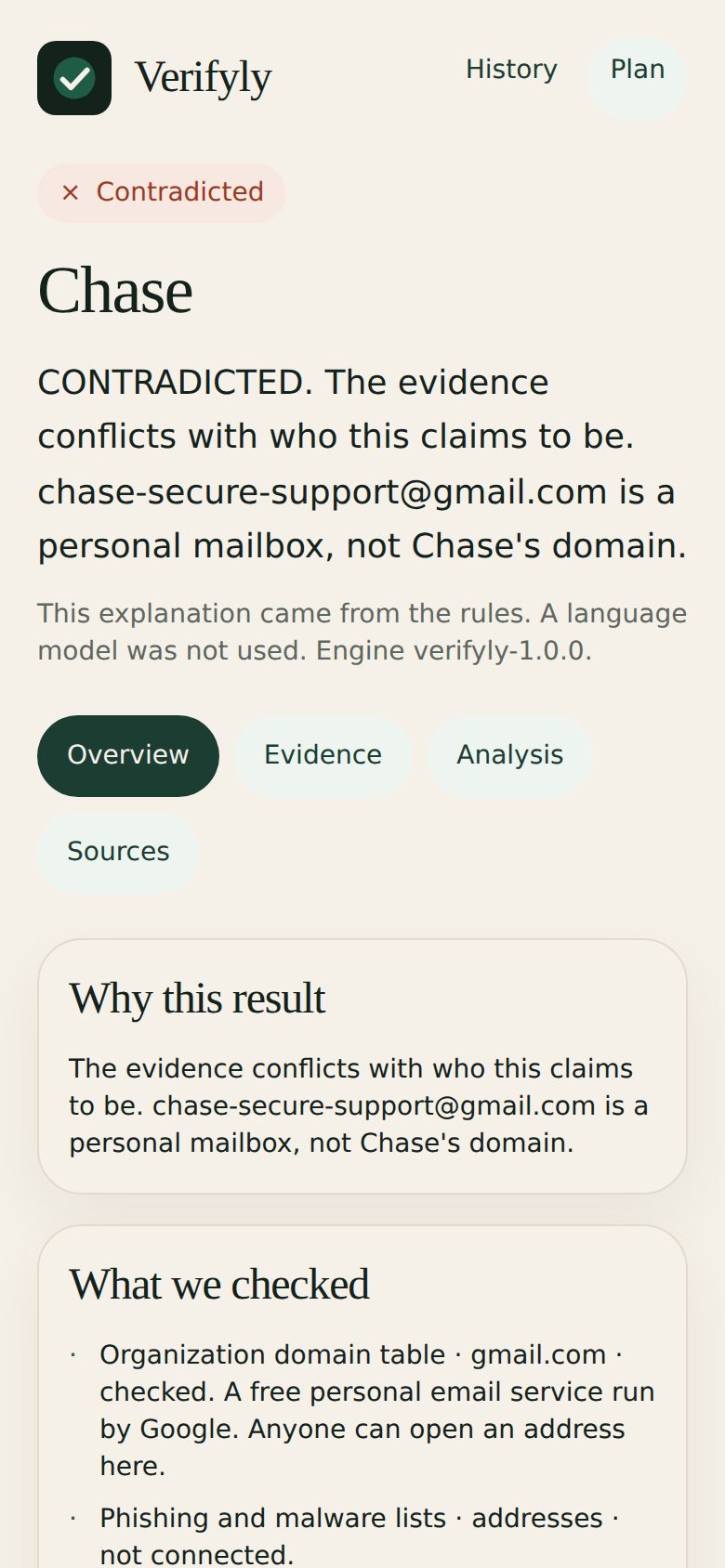
Pressure tactics, requests for passwords, one-time codes, Social Security numbers, gift cards, wires, or crypto, remote-access apps, and personal mailboxes claiming to be a company.
Barcode check digits, the country prefix, public product records, and UPS, USPS, FedEx, and DHL tracking formats with a link to the carrier's own site. It never invents a sender, destination, weight, or delivery status.
PDFs are checked for hidden scripts, launch actions, embedded files, and hidden links. Phone numbers are checked for validity and premium-rate lines.
No email, no name, no sign-up. Each device gets its own private key.
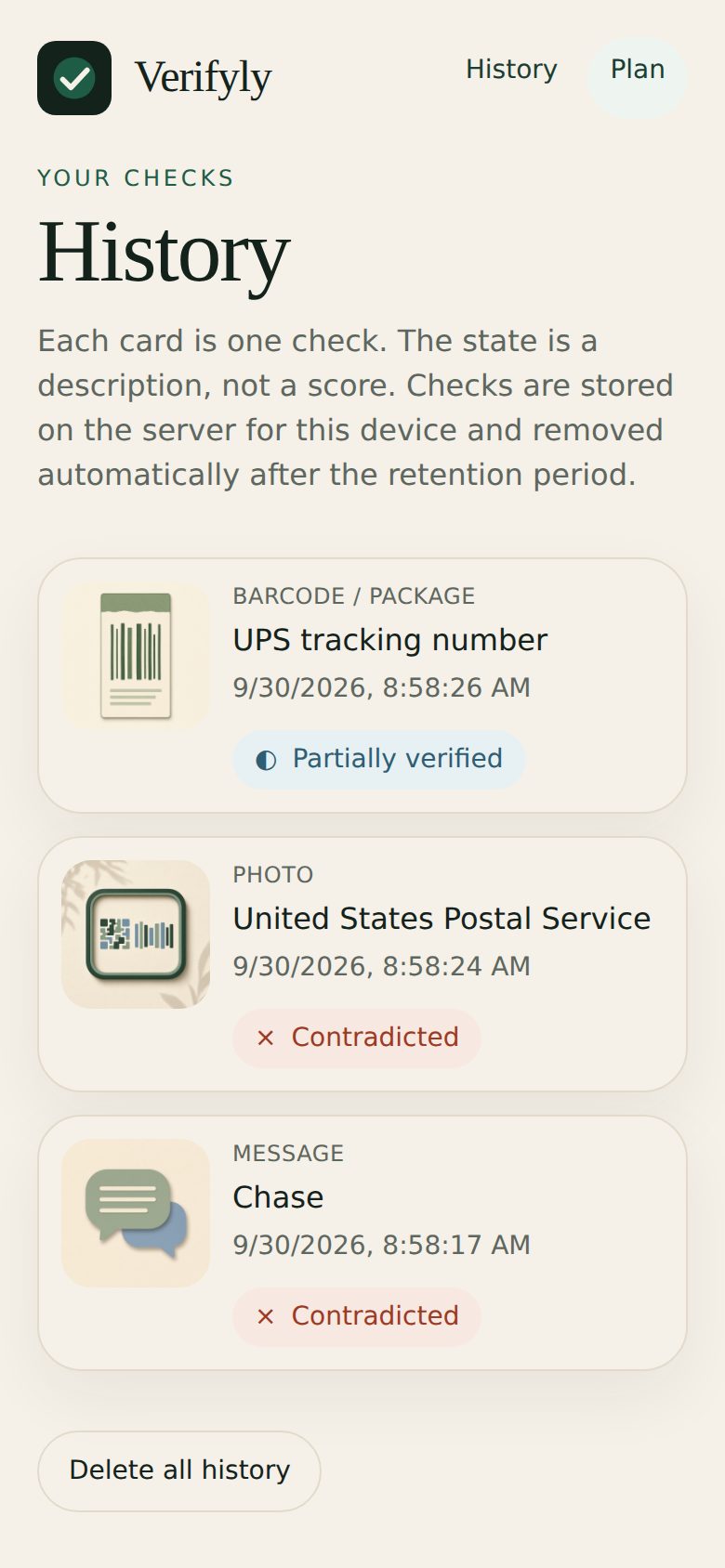
Only the device that ran a check can open it. Delete one or all at any time.
Photos and uploaded files are read, then discarded. No ads, no tracking, and nothing is sold.
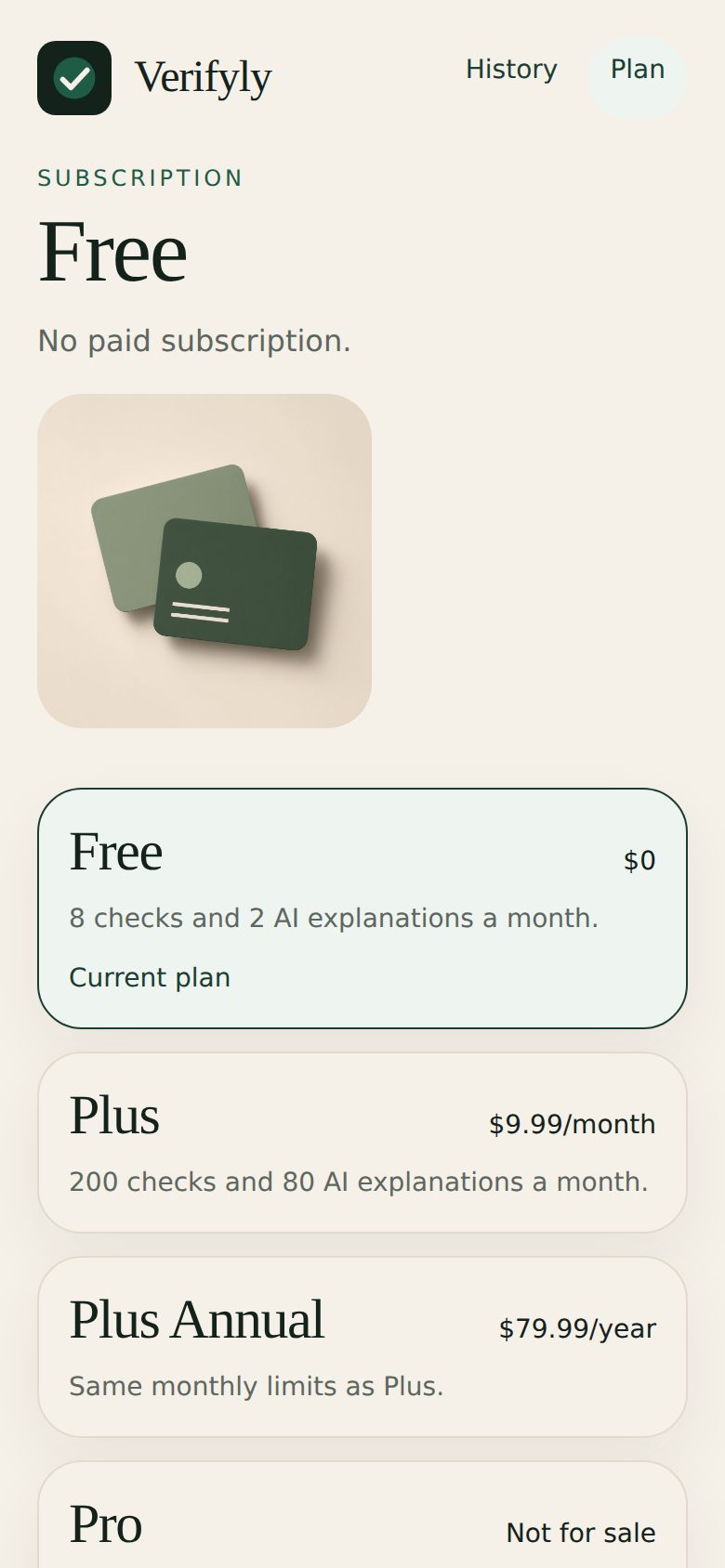
| Plan | Price | Checks each month |
|---|---|---|
| Free | $0 | 8 |
| Plus | $9.99 / month | 200 |
| Plus Annual | $79.99 / year | 200 |
Plus will be sold through the App Store and Google Play when the apps launch. Cancel anytime in your store settings; Plus stays until the paid period ends.
Verifyly does not look up who owns a phone number, confirm a person's identity, or check a package's live delivery status. When something cannot be checked, the result says so instead of guessing. A result with no warning signs is not a guarantee of safety.
Verifyly is a scam and fraud checker. You scan, upload, or paste something you were sent — a link, text message, email, photo, QR code, barcode, shipping label, or PDF — and it gathers outside evidence and tells you what could and could not be verified before you act.
Yes. The Free plan includes 8 checks a month. Plus is $9.99 a month or $79.99 a year for 200 checks a month.
No. Every check ends in one plain result — Verified, Partially verified, Needs verification, Suspicious, High-risk indicators, Contradicted, or Unknown — with the reason and the evidence behind it.
It checks whether the links and email addresses belong to the bank's published domains, flags lookalike addresses and personal mailboxes pretending to be a company, and — if you paste the full email headers — confirms whether the receiving mail server authenticated the sender's domain.
Yes. It decodes QR codes and follows the destination safely from Verifyly's server without opening it on your phone. For barcodes it checks the check digit and looks up public product databases. For shipping labels it recognizes UPS, USPS, FedEx, and DHL tracking formats and gives you a link to the carrier's own site.
No. Results come from fixed rules applied to evidence from named sources. AI is never allowed to decide or change a result.
No account or email is needed. Each check is stored on Verifyly's server for your device only and is deleted automatically after 90 days, or sooner if you delete it. Photos and uploaded files are read and then discarded. See the Privacy Policy for details.
Verifyly works now in any phone or computer browser, and you can add it to your home screen. App Store and Google Play versions are coming soon.
Questions, problems, or data deletion requests: MichelleTrendsetters@gmail.com. Read the Privacy Policy and Terms of Use.